3D model download
Dual vertical LCD monitor stand VESA free 3d print model download
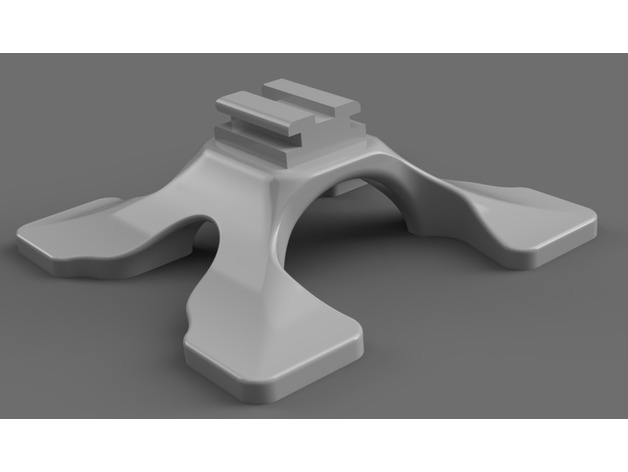
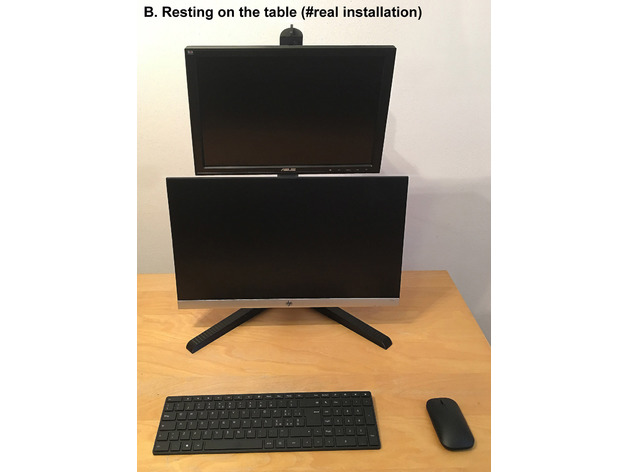
Here only test file of detail of the Base. All files here: https://www.redpah.com/product/41243 assembly modes: A. Screwed to the table B. Resting on the table C. To main monitorASSEMBLY MANUAL: http://www.artics.it/stv-is-it/progetti3d/manual/dual-lcd-stand-s
- Model code
- 2050
5.00 USD
Pay with USDT or USDC. We check your payment and send the files to your email or Telegram.
ABOUT THIS MODEL
Description & specifications
Here only test file of detail of the Base. All files here: https://www.redpah.com/product/41243 assembly modes: A. Screwed to the table B. Resting on the table C. To main monitorASSEMBLY MANUAL: http://www.artics.it/stv-is-it/progetti3d/manual/dual-lcd-stand-steps.pdfGlue is NOT necessary. Use a 2-3 mm Allen wrench to fix the inclination of the support of each monitor. Print the long parts horizontally for greater solidity. Follow the assembly tables. Use high strength PLA or ABS (personally I used ABS-ULTRAT). For printer with plate minimum 200?200 mm.4 holes on the main base allow further fixing with screws. For heavy or very high monitors, a simple steel cable can be added to counteract the forward bending.Personally I use the B and C versions for many months without problems.Credits:stv-is-it Rate this 3D modelDownload 3D modelsFileFile size Dual_vertical_LCD_monitor_stand_VESA_3_assembly_modes.1 MB
Dual vertical LCD monitor stand VESA free 3d print model download